> ## Documentation Index
> Fetch the complete documentation index at: https://docs.dqlabs.ai/llms.txt
> Use this file to discover all available pages before exploring further.
# Configure
> How to configure Prizm's Credits metric, including scoring options and threshold settings for compute credit consumption alerts.
## Configuring a Credits metric
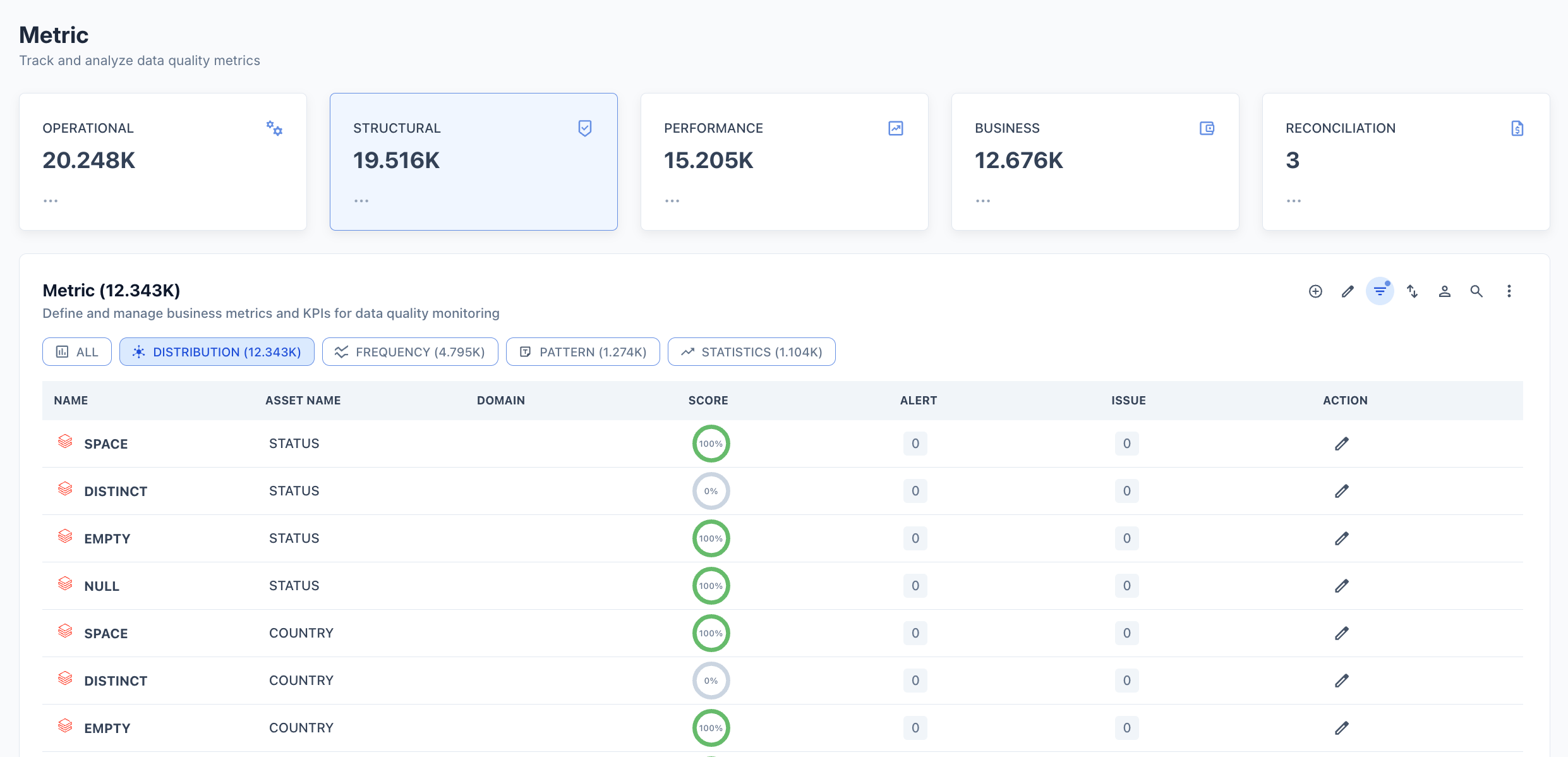
Credits metrics are automatically active on every connected database and schema asset. To view or configure a Credits metric:
1. Navigate to **Metrics** → Performance
2. Select the **CREDITS** filter chip.
3. Click **any meassure** in the list to open its detail page.
4. Click the **Edit configuration** icon (pencil) to open the configuration panel.
 ## Configuration options
| Option | Description |
| ----------------- | ----------------------------------------------------------------- |
| **Valid** | Whether a result within the pass criteria counts as a valid run |
| **Scoring** | Include this metric in the asset's overall quality score |
| **Weightage%** | Relative weight of this metric in the overall score (default 100) |
| **Pass Criteria** | The condition the result must satisfy to pass (default `>= 100`) |
| **Export** | Include metric results in data exports |
## Threshold
Choose how Prizm determines when to raise a Credits alert.
**Automated Threshold** — System-generated thresholds based on historical daily credit consumption patterns. Prizm computes the statistical baseline from past daily totals and maps deviation magnitude to alert priority:
| Priority | Deviation | Default | Description |
| ------------ | --------- | ------- | -------------------------------------------------------------- |
| **Low** | 0σ – 1σ | Off | Within expected daily spend variation. No action required. |
| **Medium** | 1σ – 2σ | Off | Moderate spend increase detected. Monitor for emerging growth. |
| **High** | 2σ – 3σ | **On** | Significant spend anomaly. Investigation recommended. |
| **Critical** | ≥ 3σ | **On** | Extreme spend deviation. Immediate action required. |
**Custom Threshold** — User-defined upper and/or lower limits for triggering alerts. Use when you need a hard budget ceiling (e.g., alert if daily credits exceed 500) regardless of the historical baseline.
## Semantic context
Credits metrics are automatically tagged with:
* **Dimension:** Resource
* **Domain:** Inherited from the asset's domain assignment
To update the semantic context or assign Owners, open the metric in Edit configuration mode and scroll to the **Semantic context** and **Owners** sections.
## Configuration options
| Option | Description |
| ----------------- | ----------------------------------------------------------------- |
| **Valid** | Whether a result within the pass criteria counts as a valid run |
| **Scoring** | Include this metric in the asset's overall quality score |
| **Weightage%** | Relative weight of this metric in the overall score (default 100) |
| **Pass Criteria** | The condition the result must satisfy to pass (default `>= 100`) |
| **Export** | Include metric results in data exports |
## Threshold
Choose how Prizm determines when to raise a Credits alert.
**Automated Threshold** — System-generated thresholds based on historical daily credit consumption patterns. Prizm computes the statistical baseline from past daily totals and maps deviation magnitude to alert priority:
| Priority | Deviation | Default | Description |
| ------------ | --------- | ------- | -------------------------------------------------------------- |
| **Low** | 0σ – 1σ | Off | Within expected daily spend variation. No action required. |
| **Medium** | 1σ – 2σ | Off | Moderate spend increase detected. Monitor for emerging growth. |
| **High** | 2σ – 3σ | **On** | Significant spend anomaly. Investigation recommended. |
| **Critical** | ≥ 3σ | **On** | Extreme spend deviation. Immediate action required. |
**Custom Threshold** — User-defined upper and/or lower limits for triggering alerts. Use when you need a hard budget ceiling (e.g., alert if daily credits exceed 500) regardless of the historical baseline.
## Semantic context
Credits metrics are automatically tagged with:
* **Dimension:** Resource
* **Domain:** Inherited from the asset's domain assignment
To update the semantic context or assign Owners, open the metric in Edit configuration mode and scroll to the **Semantic context** and **Owners** sections.