> ## Documentation Index
> Fetch the complete documentation index at: https://docs.dqlabs.ai/llms.txt
> Use this file to discover all available pages before exploring further.
# Setup
> Step-by-step guide to connecting HashiCorp Vault to Prizm using App Role authentication so connector credentials are retrieved at runtime.
## Connecting HashiCorp Vault to Prizm
Before starting, complete the [Vault prerequisites](/integrations/hashicorp-vault/prerequisites) to enable App Role authentication and generate a Role ID and Secret ID in your Vault instance.
Navigate to **Organization** → **Integration** and click **Add** to open the channel catalog. Click the **Vault** filter tab, then click the **HashiCorp** tile to open the configuration form.
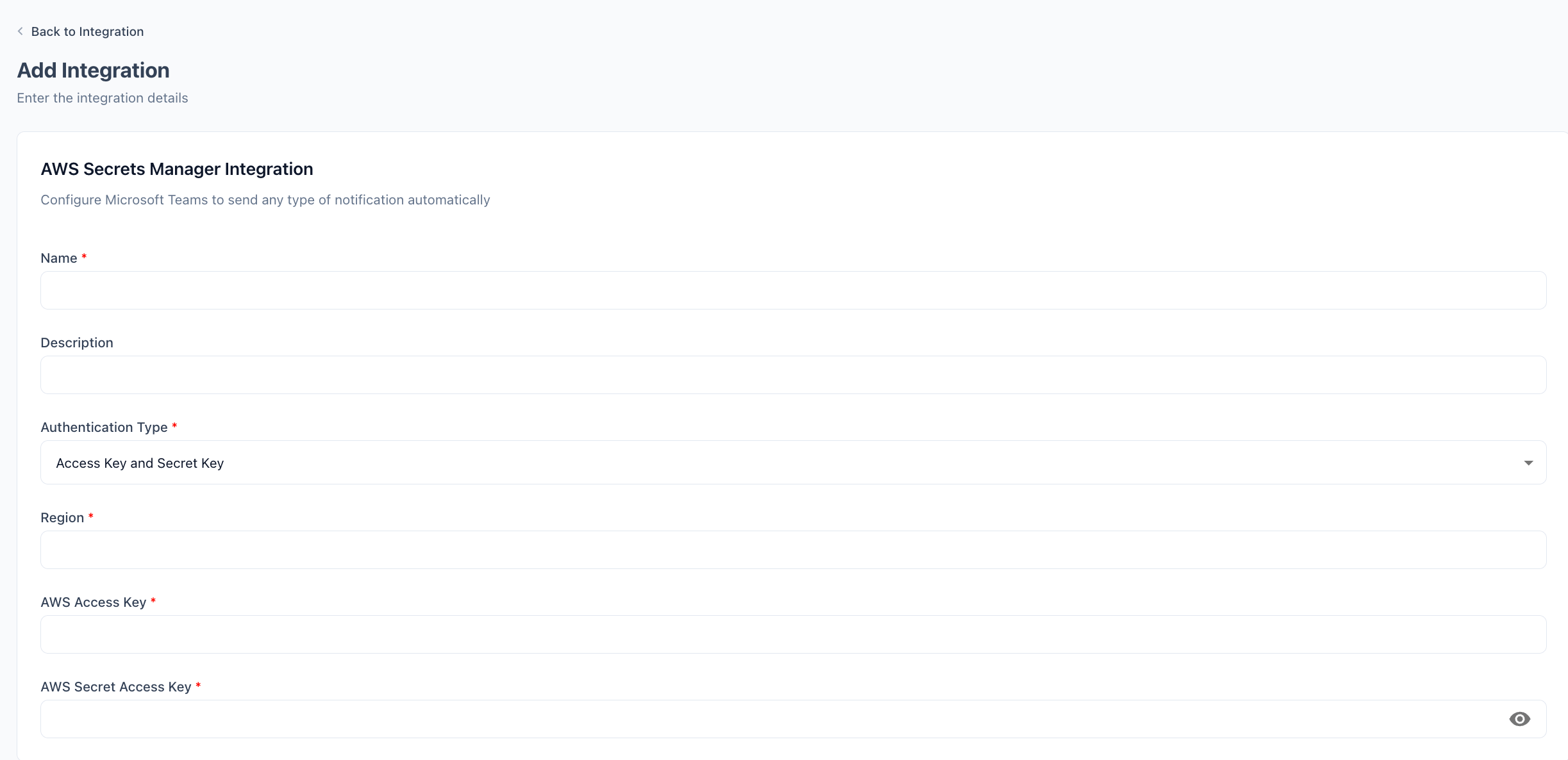 Enter a display **Name** for this vault connection (e.g., `Production Vault`). Optionally add a **Description** to distinguish it from other vault integrations.
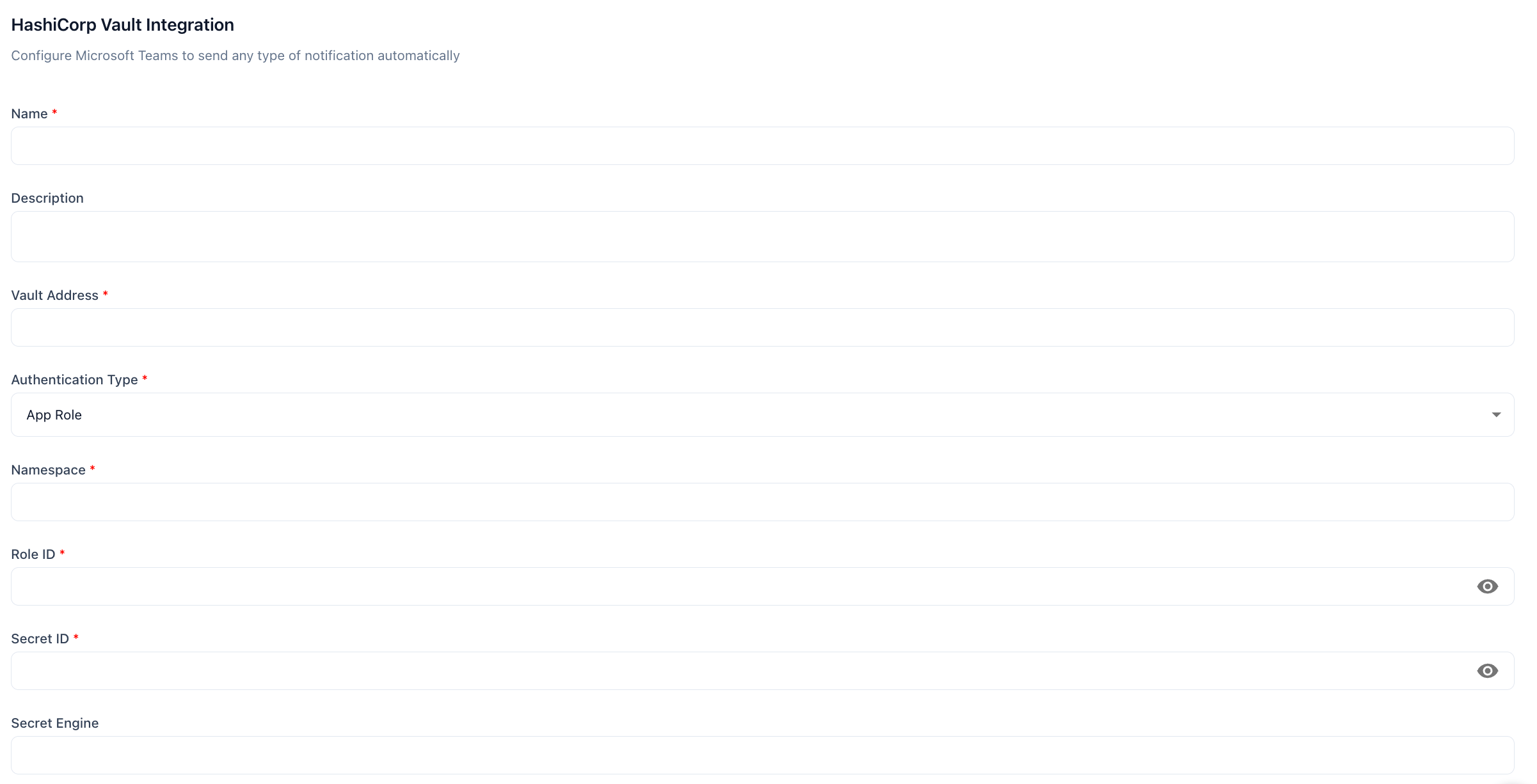
Enter the full URL of your Vault instance in **Vault Address**, including the port if non-standard:
* **HCP Vault**: Your HCP Vault public cluster address (e.g., `https://vault-cluster.vault.hashicorp.cloud:8200`)
* **Self-hosted**: `https://vault.yourcompany.com:8200`
**Authentication Type** is pre-set to **App Role**. If you use HashiCorp Vault Enterprise with namespace isolation, enter the namespace in **Namespace** (e.g., `admin`). Leave blank for community or HCP Vault.
Paste the **Role ID** and **Secret ID** from the prerequisites step.
If your secrets are stored under a non-default KV mount point (e.g., `kv` instead of `secret`), enter it in **Secret Engine**. Leave blank to use the default path.
Click **Update Integration**. Prizm authenticates with Vault and confirms it can reach the configured paths.
Enter a display **Name** for this vault connection (e.g., `Production Vault`). Optionally add a **Description** to distinguish it from other vault integrations.
Enter the full URL of your Vault instance in **Vault Address**, including the port if non-standard:
* **HCP Vault**: Your HCP Vault public cluster address (e.g., `https://vault-cluster.vault.hashicorp.cloud:8200`)
* **Self-hosted**: `https://vault.yourcompany.com:8200`
**Authentication Type** is pre-set to **App Role**. If you use HashiCorp Vault Enterprise with namespace isolation, enter the namespace in **Namespace** (e.g., `admin`). Leave blank for community or HCP Vault.
Paste the **Role ID** and **Secret ID** from the prerequisites step.
If your secrets are stored under a non-default KV mount point (e.g., `kv` instead of `secret`), enter it in **Secret Engine**. Leave blank to use the default path.
Click **Update Integration**. Prizm authenticates with Vault and confirms it can reach the configured paths.
 ## Configuration reference
| Field | Required | Description |
| ----------------------- | -------- | ------------------------------------------------------------------------------------------- |
| **Name** | Yes | Display name for this Vault connection (e.g., `Production Vault`). |
| **Description** | No | Optional description to distinguish this integration from others. |
| **Vault Address** | Yes | Full URL of the Vault instance including port (e.g., `https://vault.yourcompany.com:8200`). |
| **Authentication Type** | Yes | Pre-set to **App Role**. |
| **Namespace** | No | Vault Enterprise namespace. Leave blank for community Vault. |
| **Role ID** | Yes | Static identifier for the App Role retrieved from Vault. |
| **Secret ID** | Yes | Credential generated for the App Role. Treat as a password — rotate regularly. |
| **Secret Engine** | No | KV engine mount path if non-default. Leave blank to use `secret/`. |
When you rotate the Secret ID in Vault, update it in Prizm before invalidating the old one to avoid connector authentication failures.
## Configuration reference
| Field | Required | Description |
| ----------------------- | -------- | ------------------------------------------------------------------------------------------- |
| **Name** | Yes | Display name for this Vault connection (e.g., `Production Vault`). |
| **Description** | No | Optional description to distinguish this integration from others. |
| **Vault Address** | Yes | Full URL of the Vault instance including port (e.g., `https://vault.yourcompany.com:8200`). |
| **Authentication Type** | Yes | Pre-set to **App Role**. |
| **Namespace** | No | Vault Enterprise namespace. Leave blank for community Vault. |
| **Role ID** | Yes | Static identifier for the App Role retrieved from Vault. |
| **Secret ID** | Yes | Credential generated for the App Role. Treat as a password — rotate regularly. |
| **Secret Engine** | No | KV engine mount path if non-default. Leave blank to use `secret/`. |
When you rotate the Secret ID in Vault, update it in Prizm before invalidating the old one to avoid connector authentication failures.