
Overview
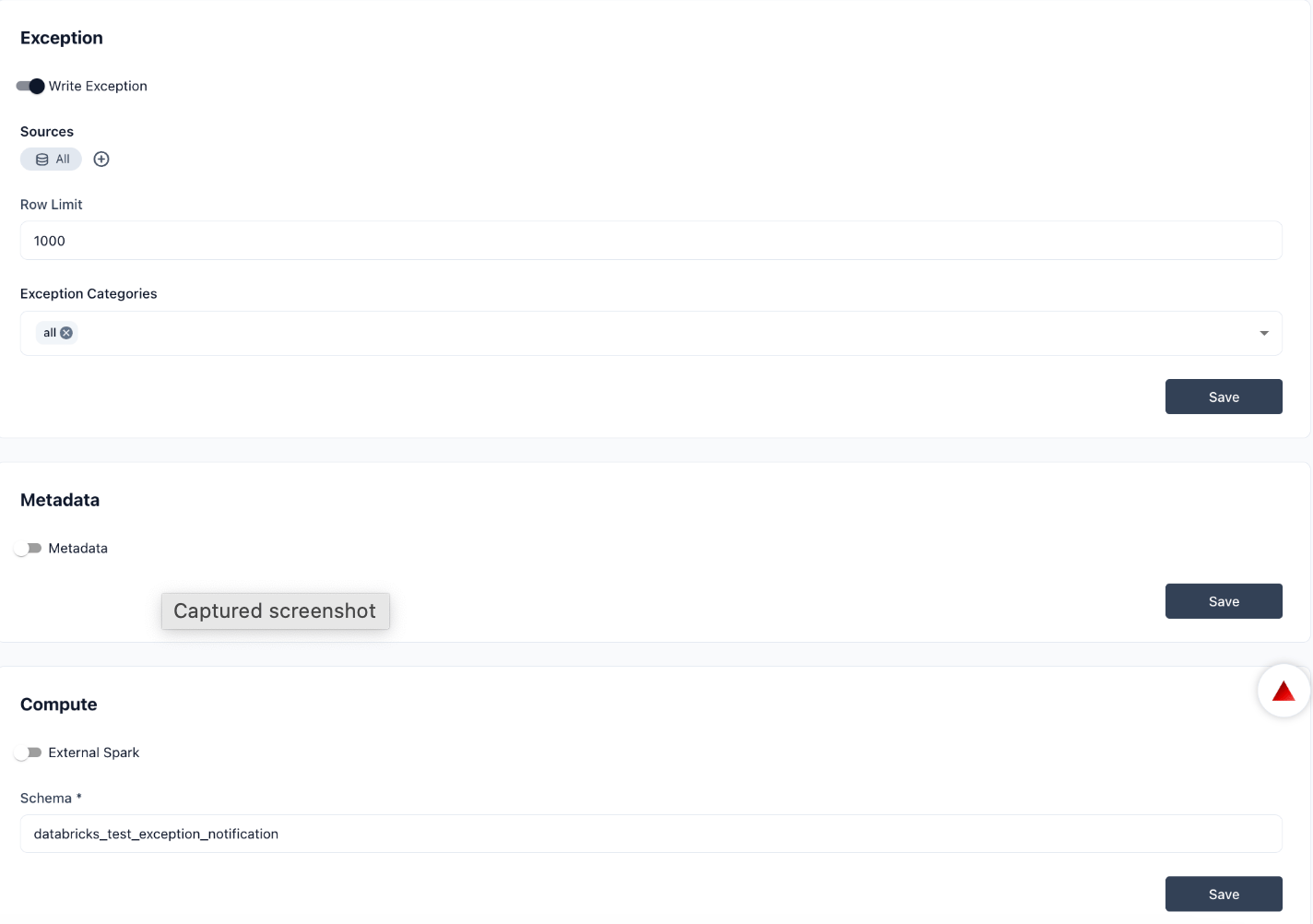
The Remediation section in Settings configures how Prizm handles exception writing, metadata capture, and compute resources for remediation workflows. It is organized into three sub-sections: Exception, Metadata, and Compute. Each sub-section has an enable/disable toggle. Settings fields appear only when the toggle is turned on. Navigate to Settings → Remediation to access this section.Exception
The Write Exception toggle enables or disables exception writing for the organization. When enabled, the following configuration fields appear:
Click Save after making changes.
Metadata
The Metadata toggle controls whether Prizm captures and stores metadata during remediation runs. Enable this setting to retain metadata context alongside exception records — useful for auditing and root-cause investigation. Click Save after toggling.Compute
The External Spark toggle enables external Spark compute for remediation workflows. When enabled, the Schema field appears:
Click Save after entering the schema name.
The External Spark schema must exist in your Spark environment before configuring it here. Prizm does not create the schema automatically.