Overview
All logging data such as Audit and activity data isn’t confined to a single screen. Depending on whether you’re investigating a specific asset, troubleshooting a system issue, or reviewing who was active and when, you’ll look in one of three places:How they relate
These three surfaces aren’t independent logs — they’re different views over the same underlying activity, scoped and formatted for different audiences:- Asset Audit is a curated, business-readable subset: it only shows events relevant to that one asset, described in plain language (e.g. “User X linked GOLD_FACT_SELL_THROUGH_DAILY_TEST to Marketing Analytics”).
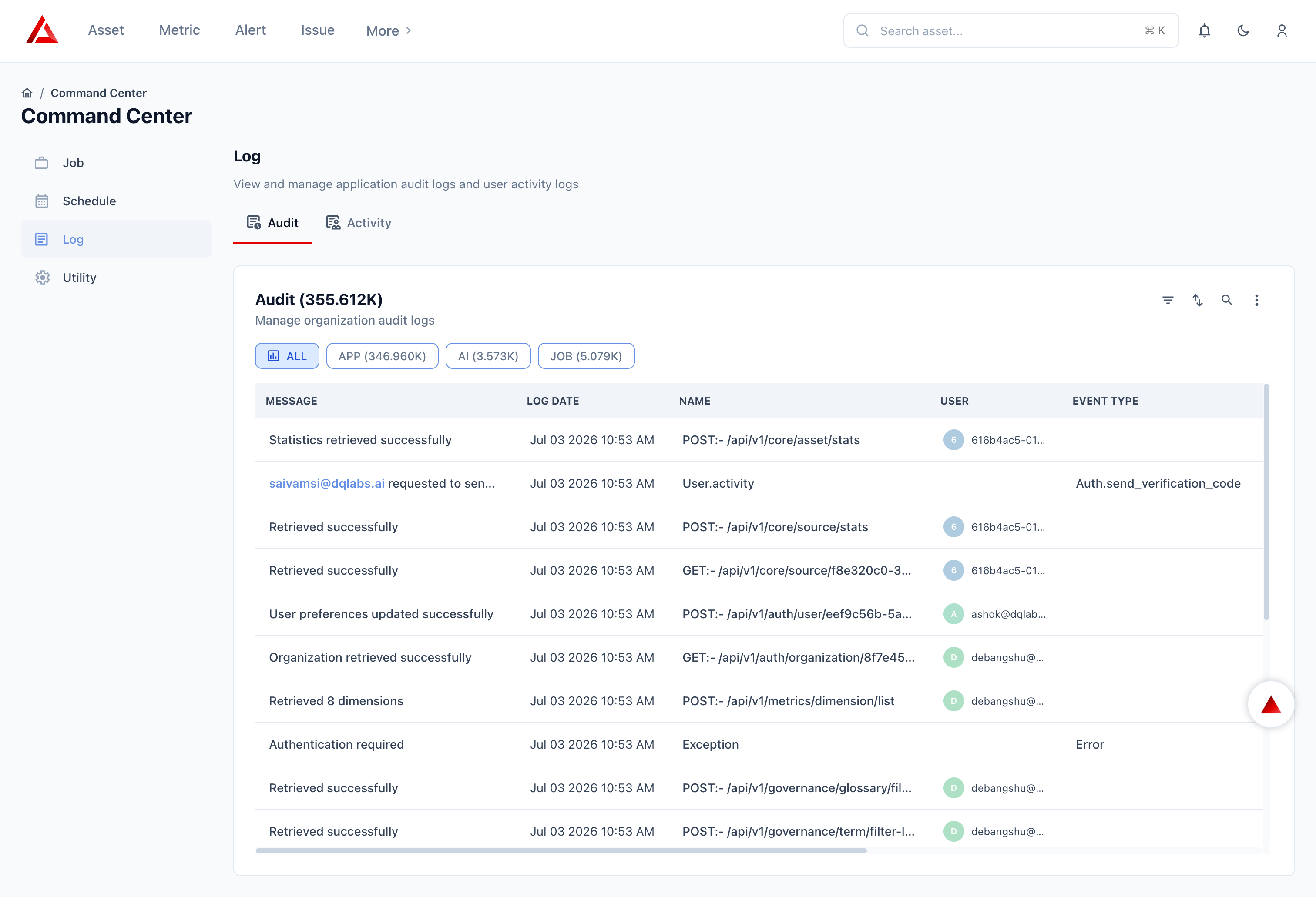
- Audit Log is the raw, technical firehose behind it — every API request, AI action, and job execution across the entire organization, including the same event that appears on the asset’s Audit tab, but alongside thousands of unrelated system calls.
- Activity Log groups events by session rather than by asset or event type. Each row is one login session, and its Audit Count tells you how many entries in the Application Audit Log belong to that session — effectively linking the two.
Think of it as a hierarchy: Activity (session) → contains many Application Audit entries (technical events) → a relevant subset of which also surface on the Asset Audit tab (business events) when they touch that specific asset.
Where to look
Asset Audit
Investigating changes to one specific asset, attribute, or metric
Audit Log
Debugging an API error, reviewing AI actions, or auditing job runs org-wide
Activity Log
Reviewing login sessions, session duration, or who was active when
Navigation
All Command Center logging lives under one section: