
Configuring Pattern metrics
Pattern metrics are enabled per column through the Configure Structural Metrics panel. Once active, thresholds and settings are managed on the asset’s Metric tab.- Navigate to Metric in the top navigation.
- Click Configure Structural Metrics (the waveform icon in the toolbar).
- In the Map Asset/Attributes to the Metrics search field, select the target asset and column.
- Click the Pattern tab and check Short Pattern, Long Pattern, or both.
- Click Apply.
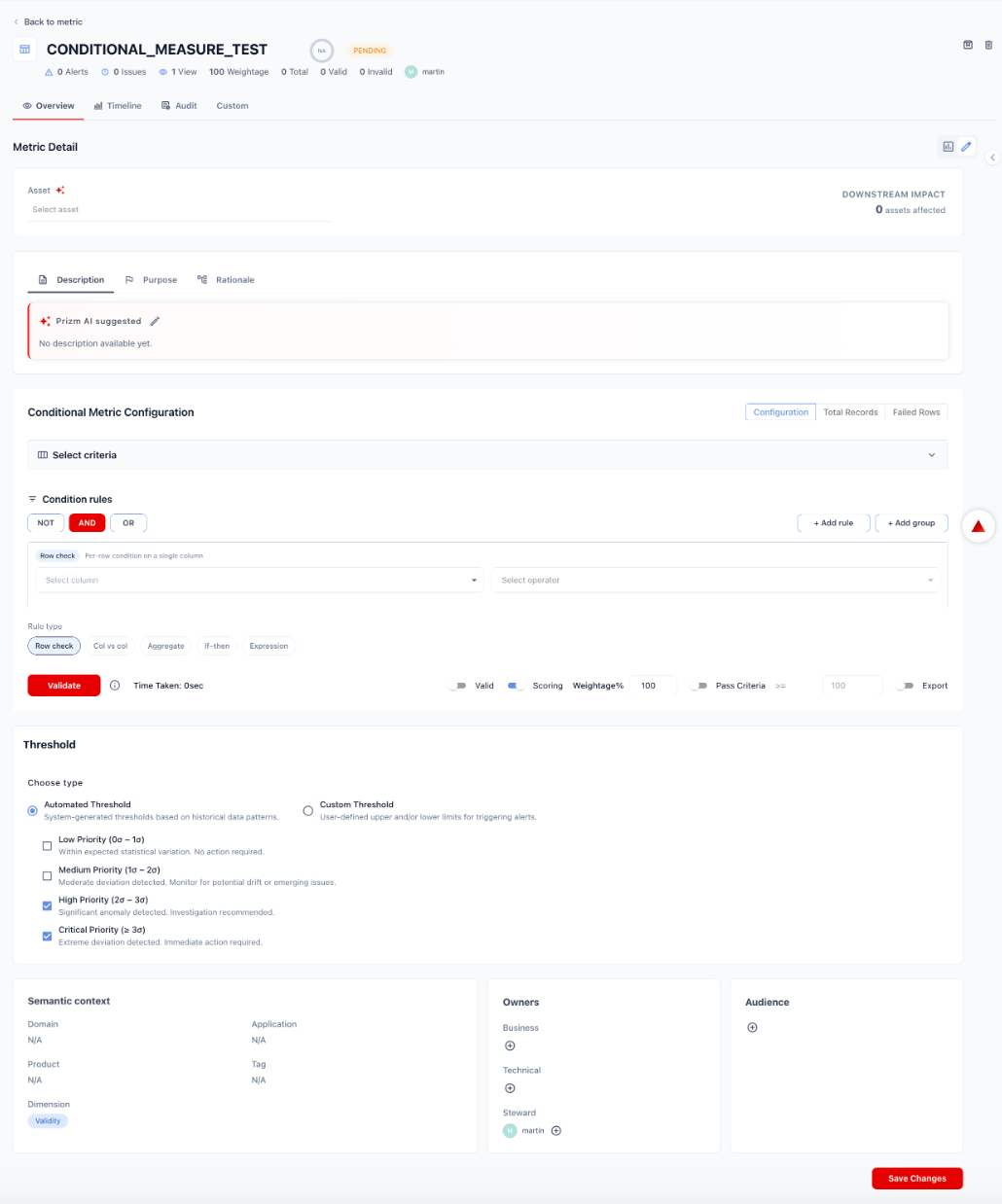
Configuration options
Threshold
Choose how Prizm determines when to raise a Pattern alert. Automated Threshold — System-generated thresholds based on the historical pattern distribution for the column. Prizm computes how many standard deviations the current pattern distribution is from the baseline and maps deviation magnitude to alert priority:
Custom Threshold — User-defined tolerance for the proportion of values allowed to match non-baseline patterns before an alert fires. For example, alert if more than 2% of values in a column deviate from the established format.
Semantic context
Pattern metrics are automatically tagged with:- Dimension: Validity
- Domain: Inherited from the asset’s domain assignment