
Product types
How to create a Product
1
Navigate to Semantics → Product
Click Semantics in the top navigation bar, then select Product.
2
Click + Add Product
Click + Add Product to open the creation form.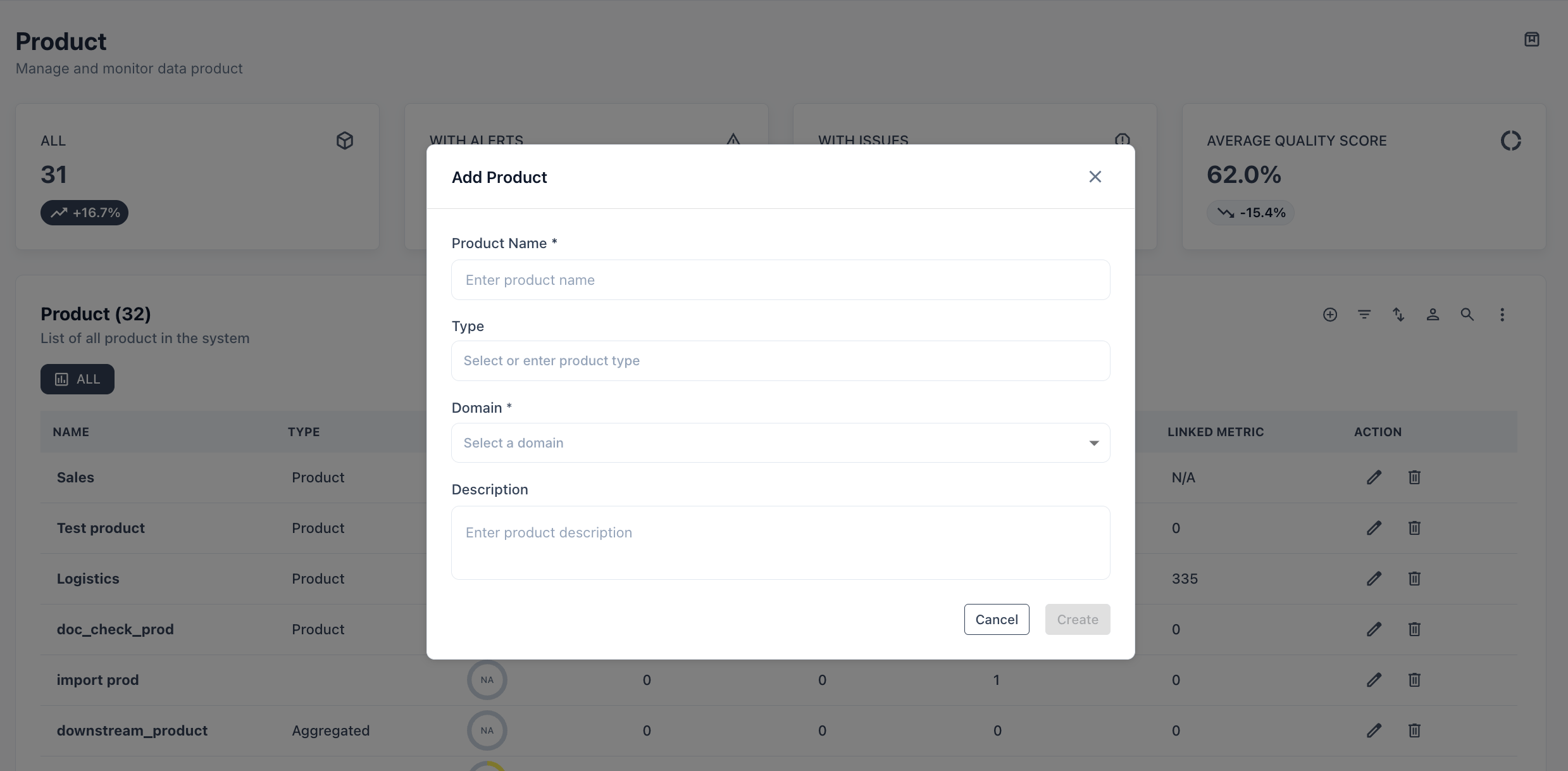
3
Fill in the details
4
Link assets
Switch to the Linked Assets tab. Add any combination of tables, views, attributes, or other assets that make up this product. These are the assets whose quality scores roll up to the product’s overall health.
5
Save
Click Save. The product appears in the list and is immediately available as a filter in the Asset catalog.
Product list
Product detail page
Clicking a product name opens its detail view with four tabs: Overview — Key health metrics at a glance:
Recent alerts (top 5) are surfaced inline with a link to view all alerts filtered to this product.
Linked Assets — Add or remove assets from this product.
Audit — Full change log: who changed what and when.
Readme — Free-form documentation for consumers of this product.
Use cases
End-to-end product health — link the 15 tables that make up yourCustomer 360 product. Track one score instead of monitoring 15 tables independently.
SLA accountability — set a Freshness SLA on the product level. Alert the product owner when any linked asset misses its update window.
Consumer discovery — tag a product as Consumer-ready and link it from your data catalog. Analysts find the product instead of hunting through individual tables.
Cross-domain products — if a product draws from multiple domains (e.g., a Finance product consuming Customer data), assign ownership to the primary domain and capture the contributing domains through Application links.
Each product must have exactly one owning Domain. If a product genuinely spans multiple domains equally, create a shared or enterprise domain and assign ownership there.